Mastering Prize Rhinestone Templates: A Creator's Guide to Flawless Sparkle
The allure of rhinestone designs is undeniable. They catch the light, add a premium feel to projects, and can turn a simple t-shirt or accessory into a standout piece. For creators, entrepreneurs, and hobbyists, using Prize Rhinestone Templates is a popular shortcut to achieving this dazzling effect without starting from scratch. These digital templates provide the framework for applying hundreds or thousands of tiny stones in a precise pattern. However, the path from a downloaded file to a professional-looking finished product is paved with common pitfalls that can lead to frustration, wasted materials, and subpar results. Understanding these challenges is the first step toward consistently creating projects that truly shine.
Beyond the Download: What You're Really Getting
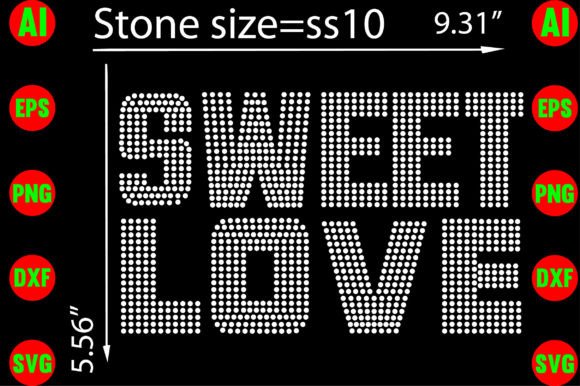
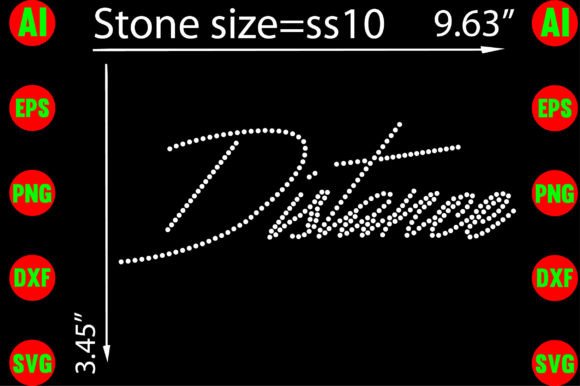
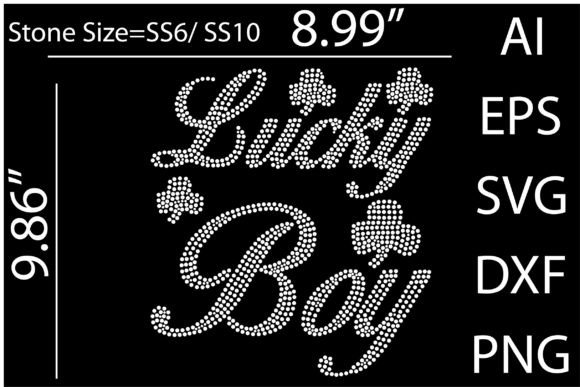
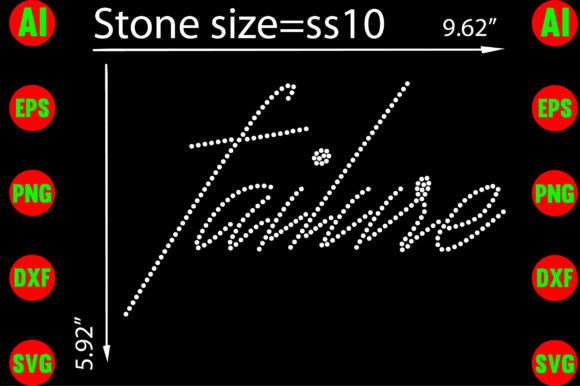
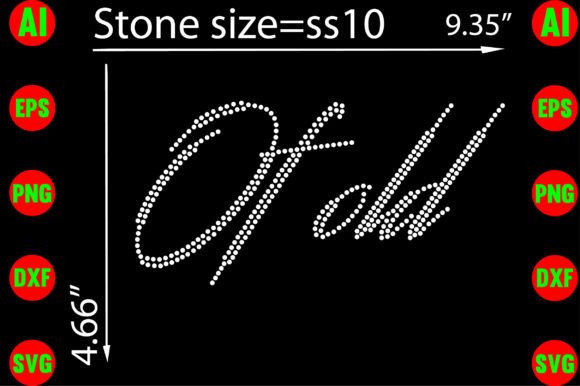
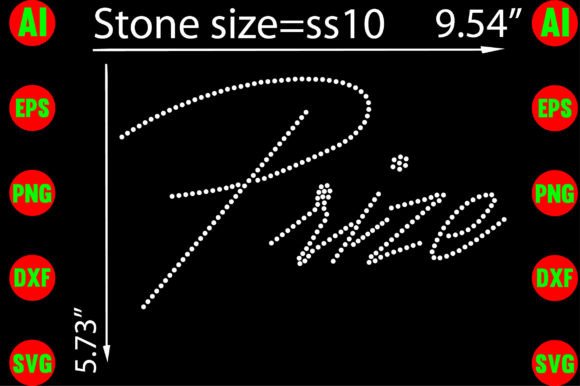
When you purchase a Prize Rhinestone Template, you're acquiring a digital design file. This is not a physical stencil or a set of pre-applied rhinestones. The value lies in its versatility and quality. A reputable template package, like the one described, will include multiple high-resolution file formats—such as AI, EPS, SVG, DXF, and PNG—each serving a different purpose in your workflow. The AI and EPS files are editable in professional vector software, allowing for customization. The SVG and DXF files are crucial for cutting machines, while the transparent PNG can be used for mock-ups or certain printing methods. A frequent mistake is purchasing a template without checking these details, only to discover it's incompatible with your software or cutting machine, or that the resolution is too low for a crisp application, resulting in blurry or misaligned patterns.
The Peril of the "One-Size-Fits-All" Mindset
A major misunderstanding is viewing all rhinestone templates as interchangeable. The design's complexity, the size of the rhinestones it calls for, and the intended application surface are critical factors. A template designed for large 10mm stones on a sweatshirt will fail spectacularly if you try to use it with tiny 3mm stones on a fitted cap. The spacing, or "bridge," between the stones is calculated for a specific size. Using the wrong size stone can either crowd the design, causing stones to overlap, or leave unsightly gaps that break the pattern's integrity. Before you even think about applying stones, examine the template's specifications. Does it align with the rhinestones you have and the project you envision?
Common Application Errors and How to Avoid Them
The most tangible mistakes happen during the application process. Even with a perfect template and file, incorrect technique can ruin the final product. Here are the key areas where creators often stumble.
1. Neglecting Material Preparation
Applying rhinestones to a dirty, wrinkled, or unsuitable fabric is a recipe for disaster. Oils from your hands, lint, or a textured surface can prevent the adhesive from bonding properly, leading to stones falling off after the first wash. Always ensure your base material—whether it's a t-shirt, mug, or cushion cover—is clean, dry, and smooth. For fabrics, a quick press with an iron can remove wrinkles that would otherwise distort your template placement. For non-porous surfaces like mugs, a thorough wipe with rubbing alcohol is essential to remove any residue.
2. Using the Wrong Adhesive or Heat Source
This is where many projects fail. Rhinestones require specific adhesives and curing methods. Hot-fix rhinestones have a glue coating on the back that is activated by heat, typically from a heat press. Using a household iron is risky because it provides uneven heat and pressure, leading to poor adhesion. For non-hot-fix stones, you'll need a separate adhesive like Gem-Tac or E6000, which requires careful application and a longer curing time. A common error is using a generic craft glue, which may dry too quickly, not bond permanently, or even damage the fabric. Always match your adhesive and application method to the rhinestone type.
3. Rushing the Template Transfer
Patience is a virtue in rhinestone crafting. Whether you're using a sticky flock template, transfer tape, or a pick-up tool, rushing the process of getting the stones from the tray onto your project is a major source of errors. Stones can flip upside down, fall out of alignment, or get lost. A better approach is to work in small sections. Use a gentle rocking motion with your pick-up tool or a light touch with the transfer tape. Ensure every stone is correctly oriented (flat side down for hot-fix) and seated in its designated spot before applying heat or pressure. Taking an extra minute here saves the frustration of a patchy, disorganized design later.
Making Smart Choices: From Purchase to Project
Before you click "buy" or start applying your first stone, a little due diligence goes a long way. This isn't about being overly cautious; it's about being efficient and setting yourself up for success.
- Verify File Quality and Compatibility: Don't just assume the files will work. Check the product description for the exact formats included and their resolution (300dpi/ppi is standard for quality). If you use Silhouette Studio, confirm the DXF file is compatible. If you're a Cricut user, SVG is your go-to. A quick email to the seller can clarify any doubts.
- Study the Design Closely: Zoom in on the template preview. Are the lines clean and crisp? Does the pattern look logical and well-spaced? A poorly designed template will translate into a poorly designed final product, no matter how skilled you are. Look for examples of finished projects using the template if possible.
- Start with a Test Run: This is the single best piece of advice. Use a scrap piece of your intended material and a small section of the template. Test your entire process: cutting the template (if you're making your own stencil), placing the stones, and applying heat. This practice run will reveal any issues with your adhesive, temperature, or pressure settings before you commit to your main project.
- Consider the "Editability" Factor: A template that includes editable vector files (AI, EPS) offers long-term value. You might want to change colors to match a client's brand, resize the design for a different product, or combine elements from multiple templates. This flexibility is worth a slightly higher price point for serious creators.
Achieving Professional Results, Every Time
Using Prize Rhinestone Templates effectively is a skill that blends the right digital assets with hands-on craftsmanship. The template itself is the blueprint, but your attention to detail in preparation, material selection, and application technique is what builds the final, sparkling masterpiece. By understanding the common mistakes—rushing, using mismatched components, and skipping tests—you can sidestep the frustration and wasted resources that plague many beginners. Instead, you adopt a methodical approach that respects the materials and the process. The result is not just a project with rhinestones on it, but a polished, durable, and professional-looking creation that you can wear, sell, or gift with genuine pride. Focus on the process, learn from each application, and let your designs sparkle with the quality they deserve.