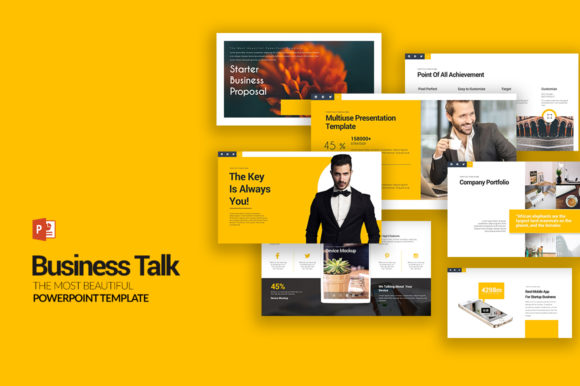
Master Your Presentations with Business Talk PowerPoint Templates
For many professionals, the gap between a good idea and a successful presentation often comes down to design. You have the data, the strategy, and the vision, but translating that into a visually compelling and professional slide deck can consume hours you simply don't have. This is where the Business Talk PowerPoint Templates collection steps in, offering a comprehensive solution designed to streamline your workflow and elevate your message without requiring advanced design skills or expensive software.
A Comprehensive Toolkit for Diverse Needs
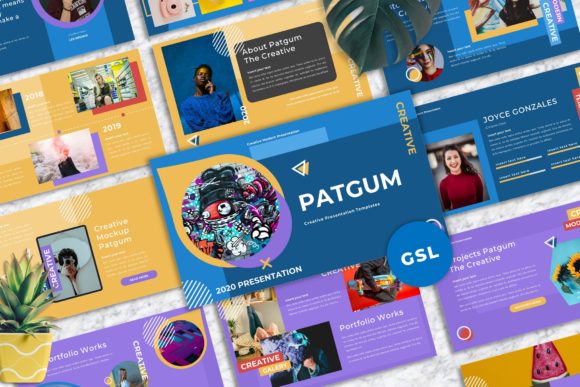
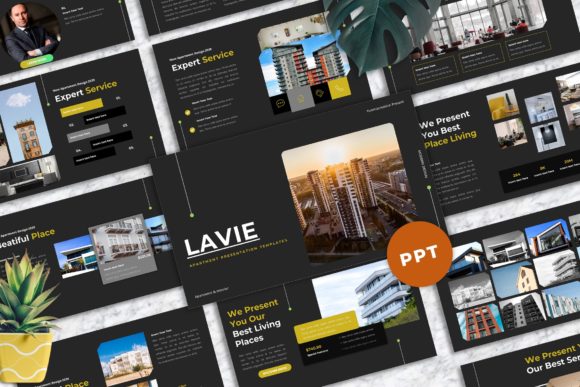
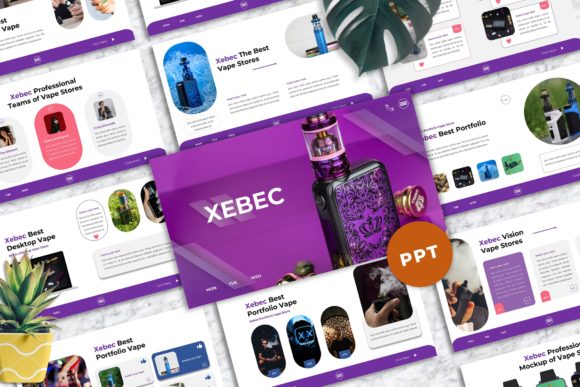
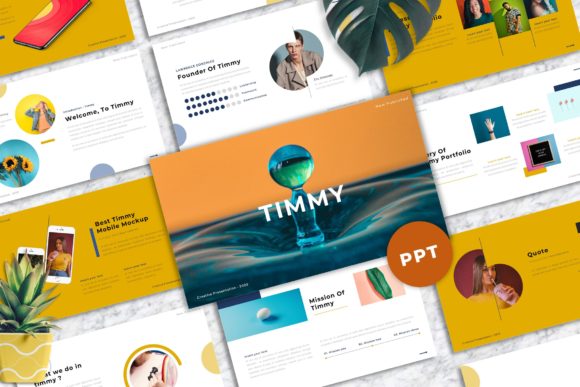
At its core, the Business Talk package is more than a single template; it's a versatile library. With 10 unique PPTX files and a staggering 1000 total slides built from 100 unique slide designs, it provides a foundational framework for virtually any business or creative scenario. Whether you are preparing a quarterly financial review, a marketing strategy pitch, an educational workshop, or a project proposal, the sheer volume and variety ensure you won't be stuck searching for the right layout. The collection is explicitly tailored for multipurpose use, acknowledging that modern professionals rarely give the same type of presentation twice.
Designed for Real-World Application
The true value of these templates lies in their practical application. Consider a small business owner preparing a pitch for investors. They need slides that clearly outline financial projections, market analysis, and growth strategies. The Business Talk Templates For Multipurpose Presentation include specialized layouts for exactly these purposes. The financial slides aren't just generic charts; they are structured to tell a story with numbers, making complex data accessible. Similarly, a marketer can use the creative layouts to brainstorm campaign ideas, visualize customer journeys, or present performance metrics in a way that resonates with stakeholders. The templates act as a starting point, helping to organize thoughts logically before diving into the specifics.
Unmatched Flexibility and Ease of Use
One of the most significant barriers to effective presentation design is software complexity. This collection eliminates that hurdle entirely. Every element is fully editable directly within Microsoft PowerPoint. You can change a shape's color, adjust a font's size, modify a chart's data, or swap out an icon with just a few clicks. There is no need for Adobe Illustrator, Photoshop, or any other external design software. This accessibility is crucial for entrepreneurs, freelancers, and educators who may not have a design background but still need to produce polished, professional materials. The 16:9 aspect ratio ensures your presentation looks sharp and modern on any standard screen or projector.
Visual Consistency and Professional Polish
Maintaining a consistent brand identity across a presentation is vital for credibility. The 5 color schemes provided—available in both white and dark background versions—allow you to align the entire deck with your company's branding or the specific mood of your talk. Switching between a light theme for a formal daytime meeting and a dark theme for a dramatic product launch is effortless. Furthermore, the inclusion of vector icons means your graphics will remain crisp and clear at any size, avoiding the pixelation that often plagues presentations using low-resolution images. This attention to visual detail helps strengthen communication by ensuring your audience focuses on your message, not on distracting design flaws.
Streamlining Your Workflow and Saving Time
Time is a finite resource, and hours spent formatting text boxes, aligning objects, and creating charts from scratch are hours not spent on refining your argument or practicing your delivery. The Business Talk PowerPoint Templates are engineered for efficiency. Features like image placeholders allow you to drag and drop your own photos directly into pre-sized frames, instantly making the presentation feel customized and authentic. For those who work with data, the fact that charts are editable in Excel is a game-changer. You can update your figures in a familiar spreadsheet environment, and the changes will reflect automatically in your PowerPoint slides, ensuring accuracy and saving tedious manual entry.
The package also includes a Documentation Quick Guide file. This isn't just a manual; it's a roadmap to using the templates effectively, offering tips on customization and best practices. Combined with the use of free fonts (with a reminder to install them before opening the file), the setup process is straightforward. You can go from downloading the files to building your first slide in minutes, not hours.
Who Stands to Benefit the Most?
While the templates are designed for broad use, certain groups will find them particularly indispensable. Consultants and freelancers who juggle multiple clients can use the variety to create bespoke proposals and reports quickly. Startup founders can leverage the finance and strategy slides to craft compelling investor decks. Educators and trainers can build engaging course materials and workshop slides without needing a graphic designer on staff. Even bloggers and content creators can repurpose the designs for webinars, online courses, or media kits. Essentially, anyone who needs to communicate ideas visually in a professional context will find a practical use for this resource.
A Note on Realistic Expectations
It's important to approach any template resource with clear expectations. While the Business Talk PowerPoint Templates provide a powerful and flexible foundation, they are tools, not magic wands. The stock photos are not included, which means you will need to source your own high-quality images to complete the visual narrative. This is actually a benefit for many, as it allows you to use unique, on-brand imagery rather than generic stock photos that might be overused. However, it does require an extra step in the preparation process.
Furthermore, the effectiveness of your presentation ultimately depends on the quality of your content and your delivery. The templates provide the structure and the professional aesthetic, but the story you tell is yours to craft. They are best viewed as a significant head start—a way to bypass the most time-consuming and technically challenging aspects of design so you can focus on what truly matters: connecting with your audience and delivering your message with clarity and impact. For anyone regularly tasked with creating presentations, investing in a robust, editable, and versatile template library like this is a practical decision that pays dividends in saved time and enhanced professionalism.